
 Login Page - qModel Open-Source Edition
7/15/26Less than 1 minute
💡 For First-Time Users:
In a locally deployed environment, please log in for the first time using the system's pre-configured super administrator account.
Login Page Overview
After accessing the qModel algorithm model platform, you will see the following login interface. Please enter the correct username and password to complete the login process.
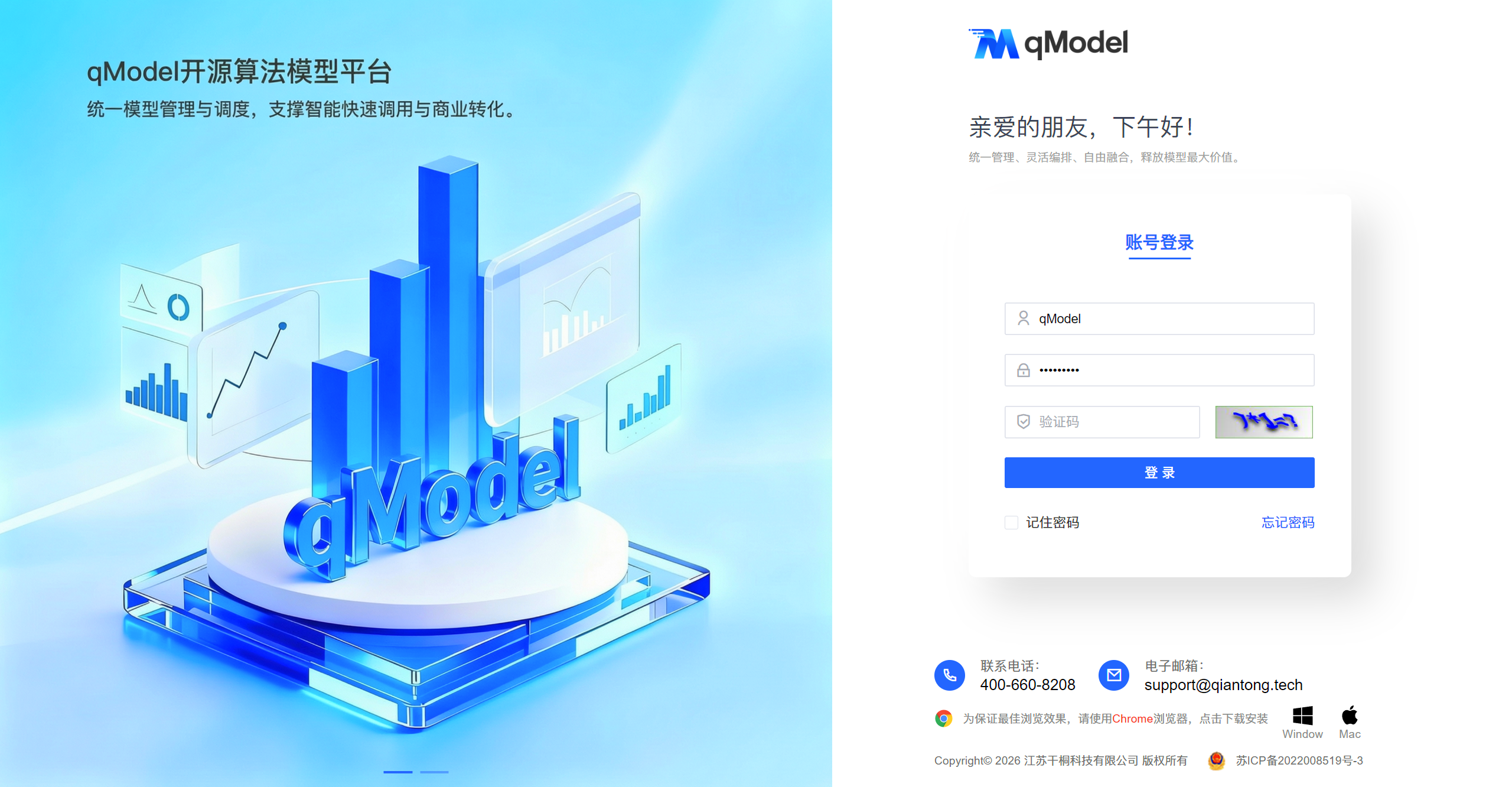
First-Time Login Instructions
- Username (Super Administrator):
qModel - Initial Password:
qModel123(It is strongly recommended to change the password immediately after the first login)
Steps
- Open a web browser and visit the platform URL:
e.g., https://demo.qmodel.tech - The page will automatically redirect to the login interface.
- Enter the super administrator account details:
- Username:
qModel - Password:
qModel123
- Username:
- Click the 【Login】 button to enter the system homepage.
⚠️ Note:
- After successful login, please change the initial password as soon as possible to ensure system security.
- The super administrator account has extensive privileges. For daily operations, create dedicated sub-accounts with appropriate permissions to enhance system security.
- If you encounter login failures, please contact the qModel platform support team to verify the account status and password correctness.
To learn more about the qModel platform, please proceed to the next chapter: Home Page.